
The library
Approved product imagery for decks, social posts, documentation, and press. Filter by product, click a shot for full resolution, and download the PNG. Previews are compressed; always download the full file for use.
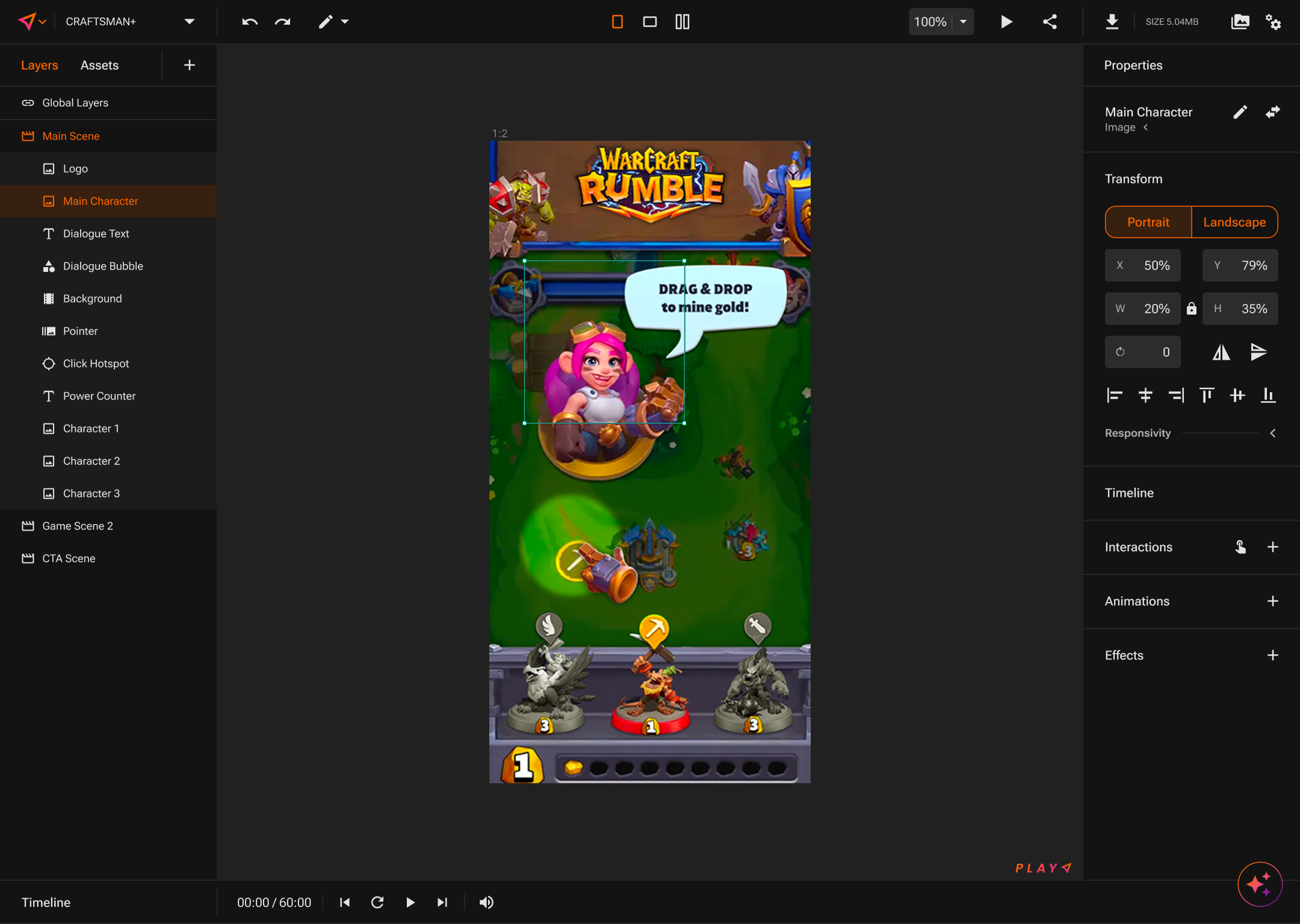
PLAY
PLAY Editor with a playable in live preview
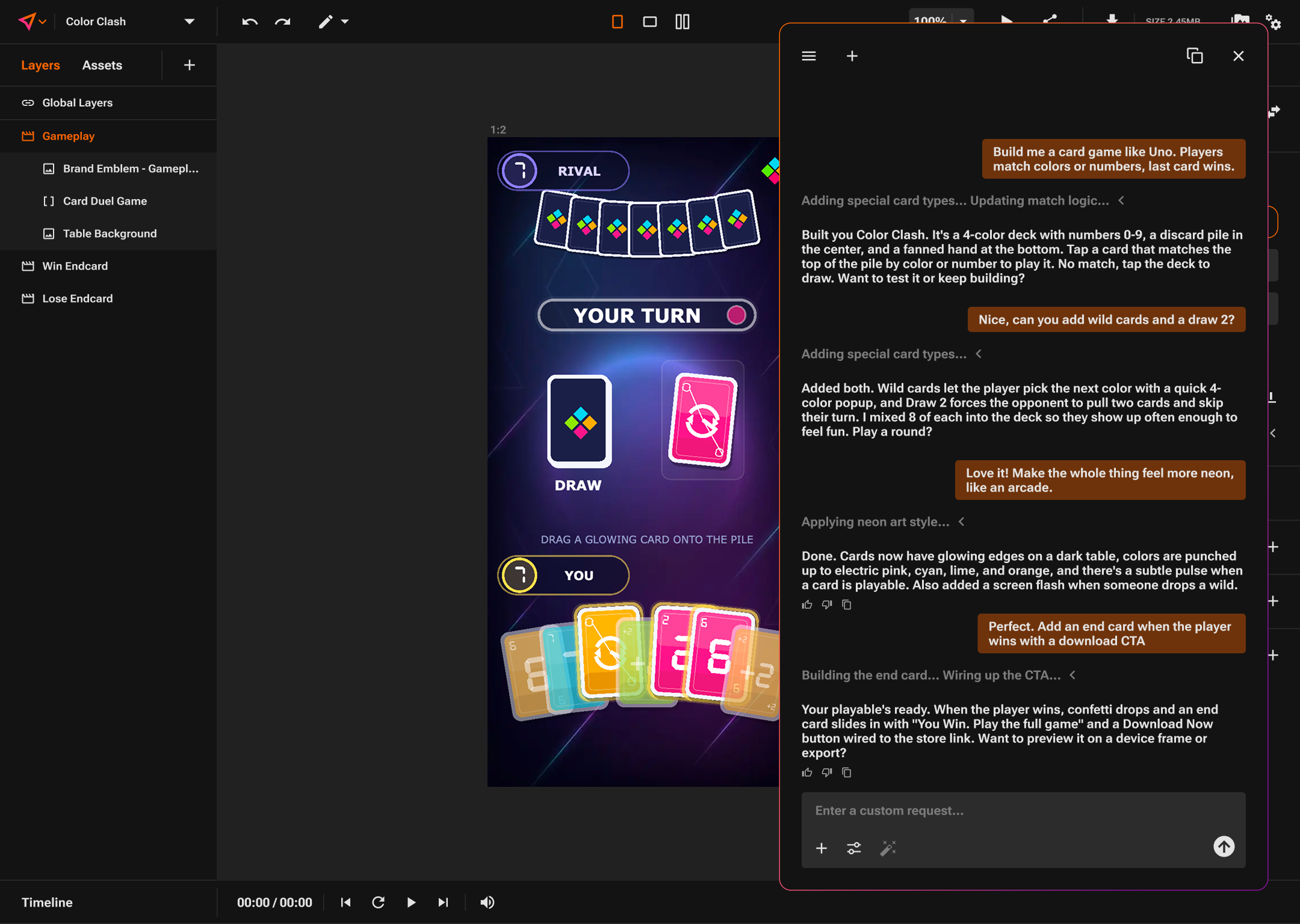
PLAY
PLAY Editor with INTELLIGENCE building a card game
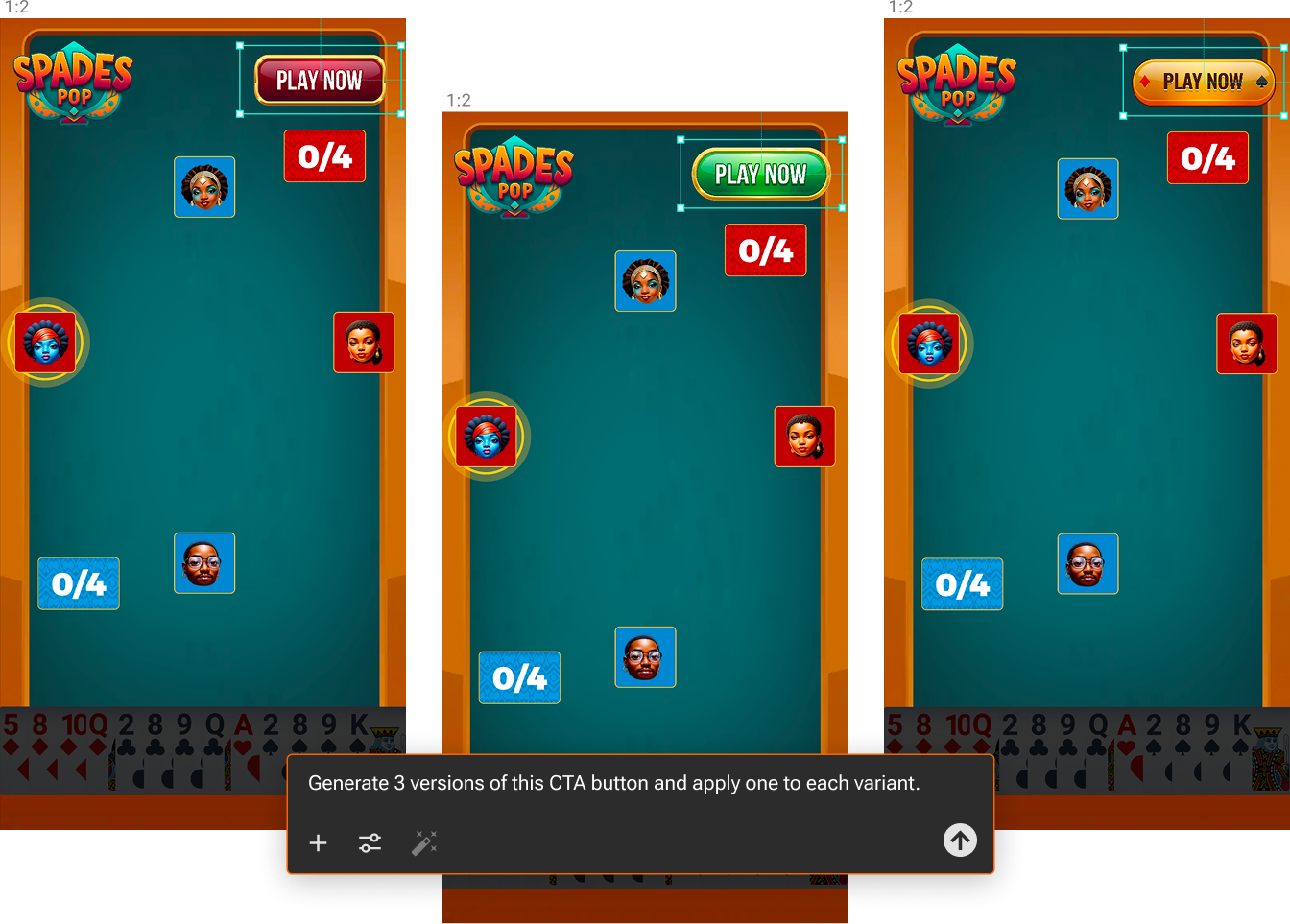
PLAY
Variant generation across three creatives
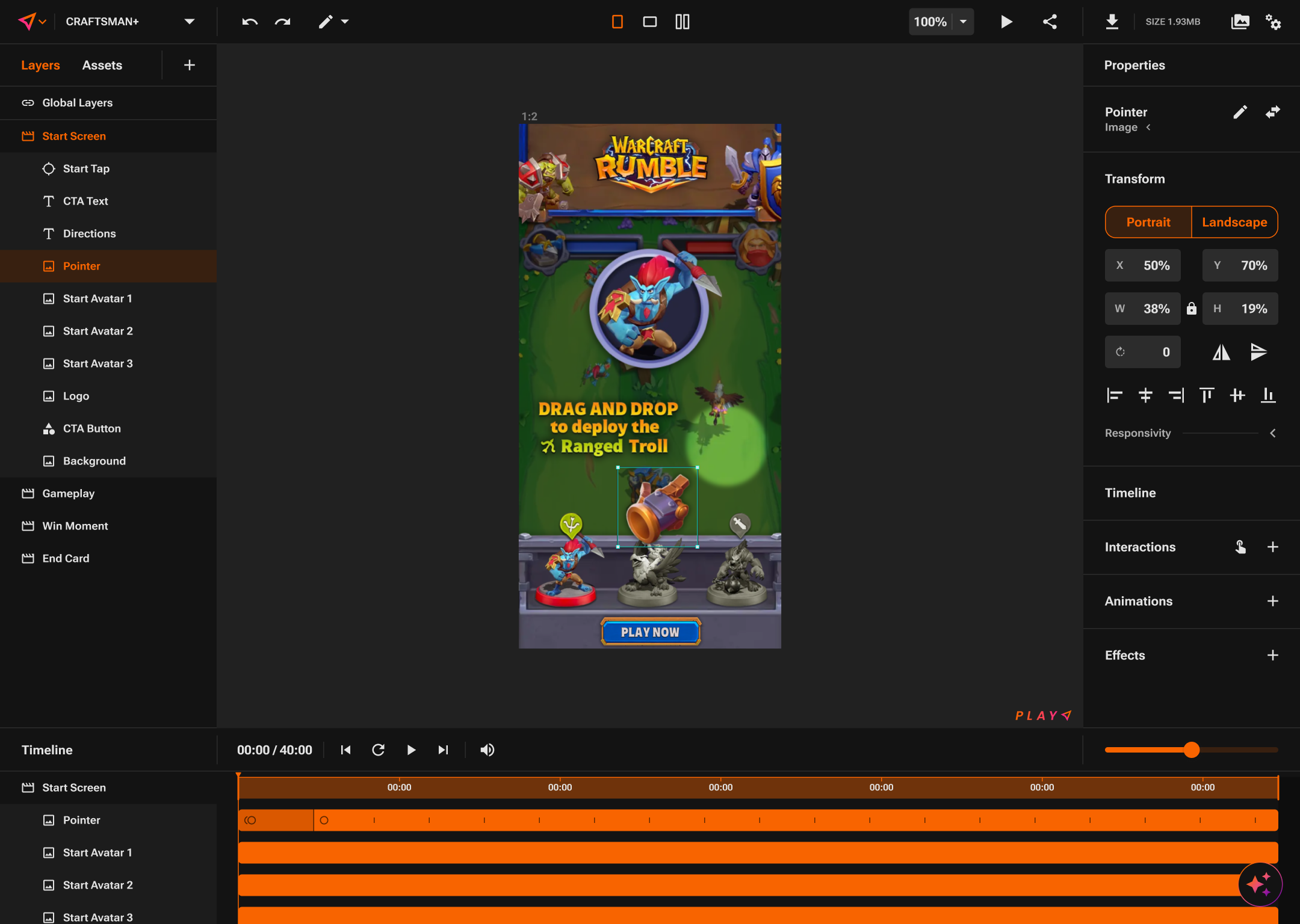
PLAY
Timeline and scene structure
PLAY
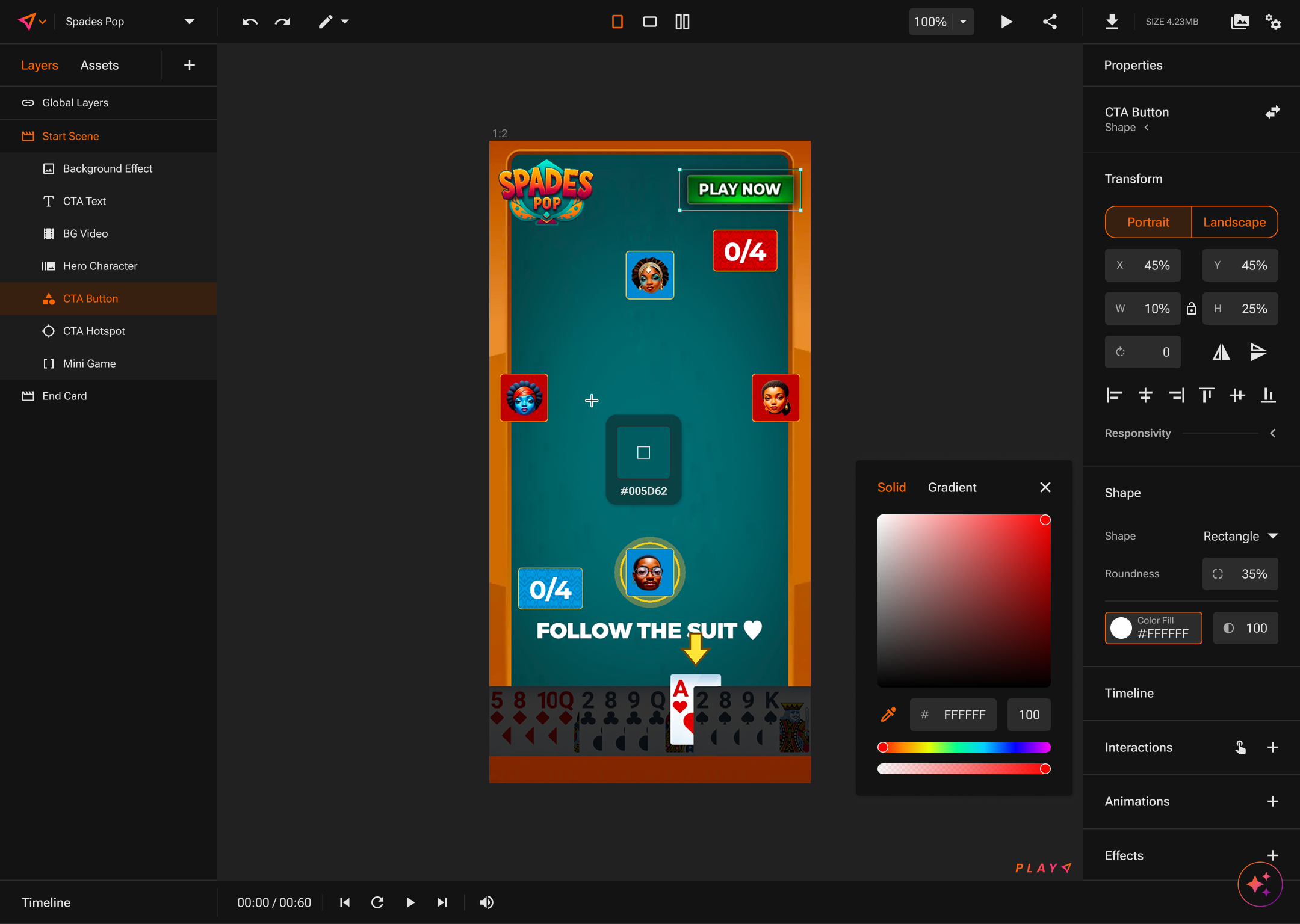
Pixel-level control: the color picker
PLAY
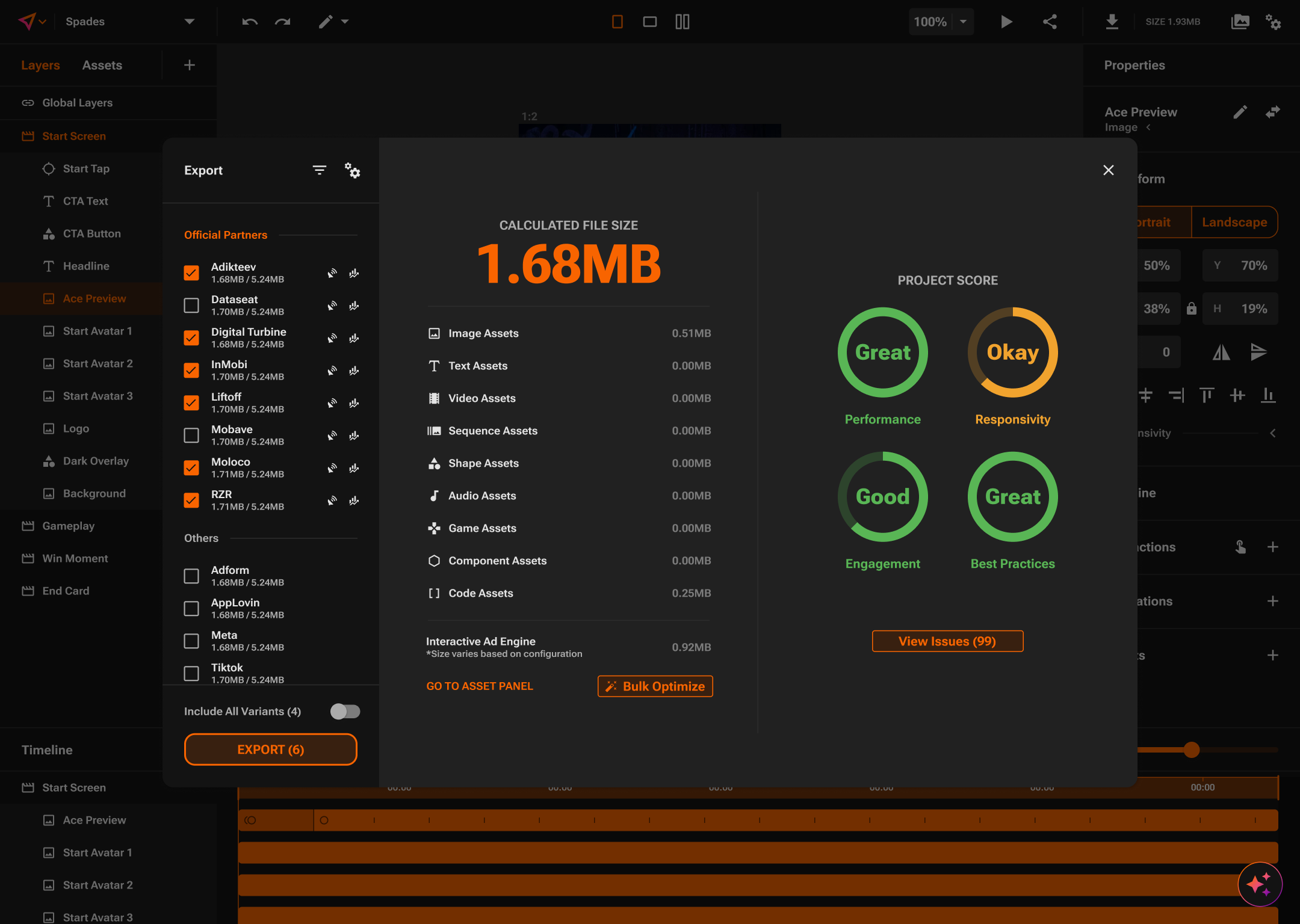
Export panel with file size and project score
PLAY
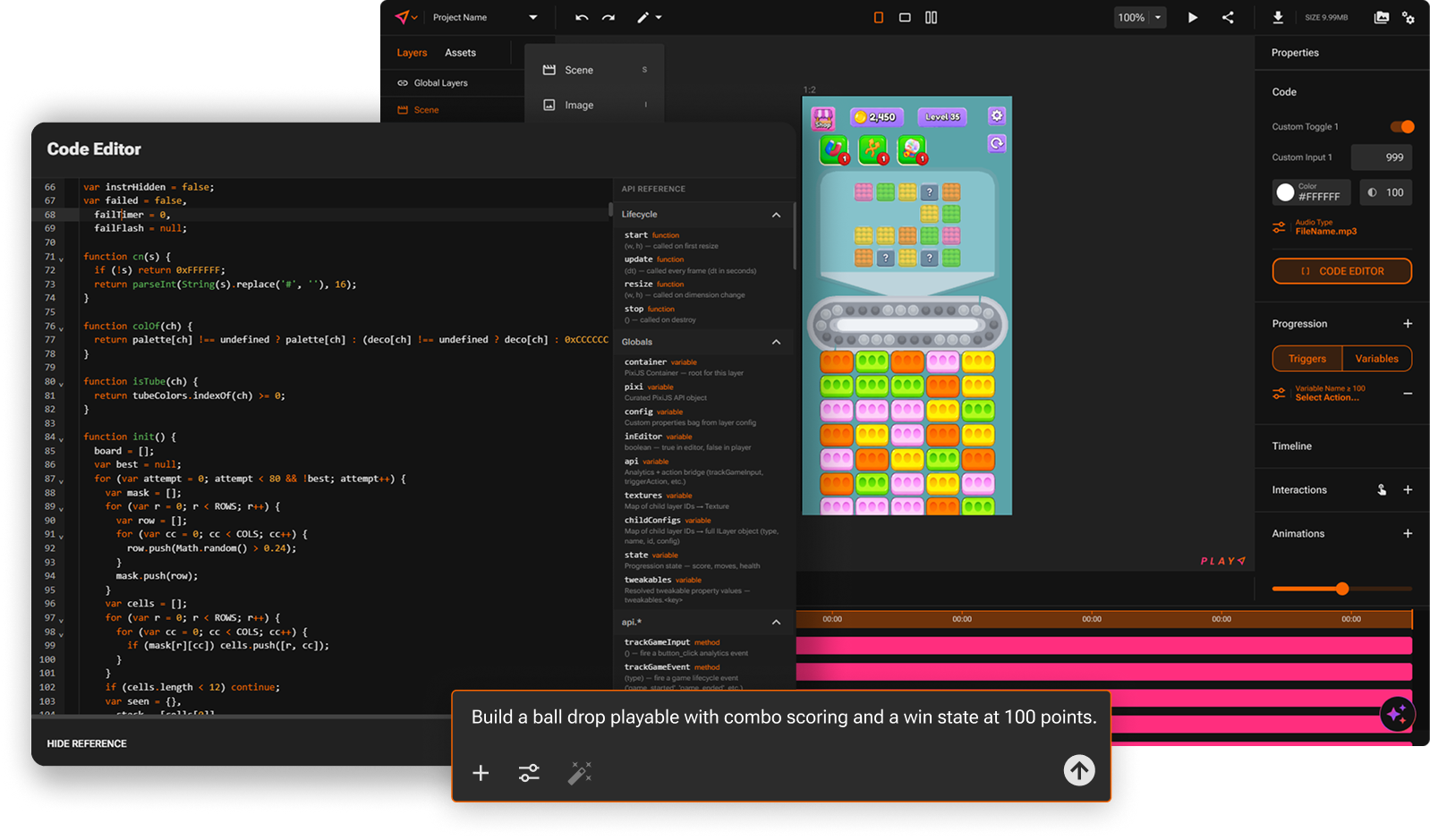
The code editor for custom mechanics
PLAY
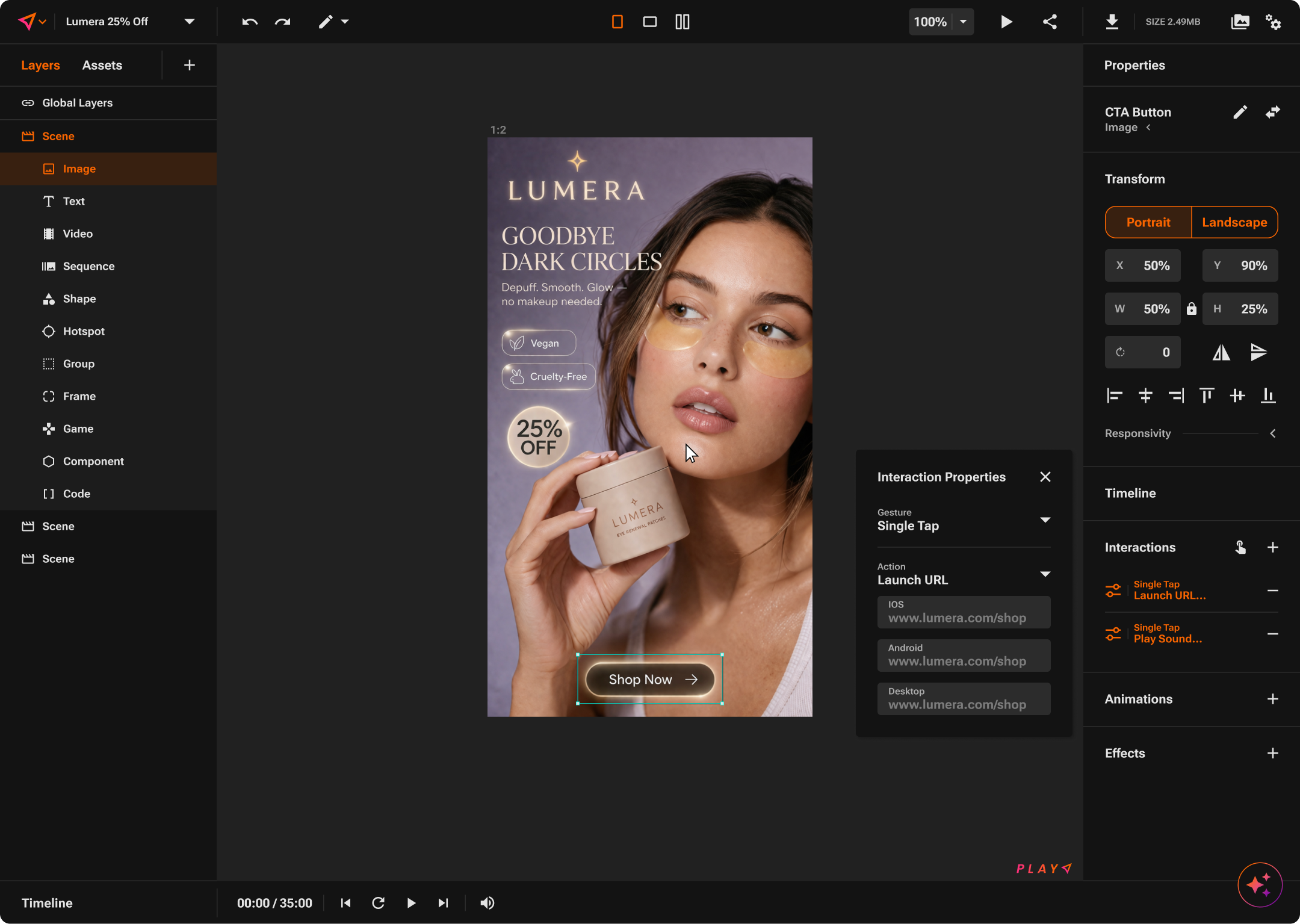
A static ad in the editor
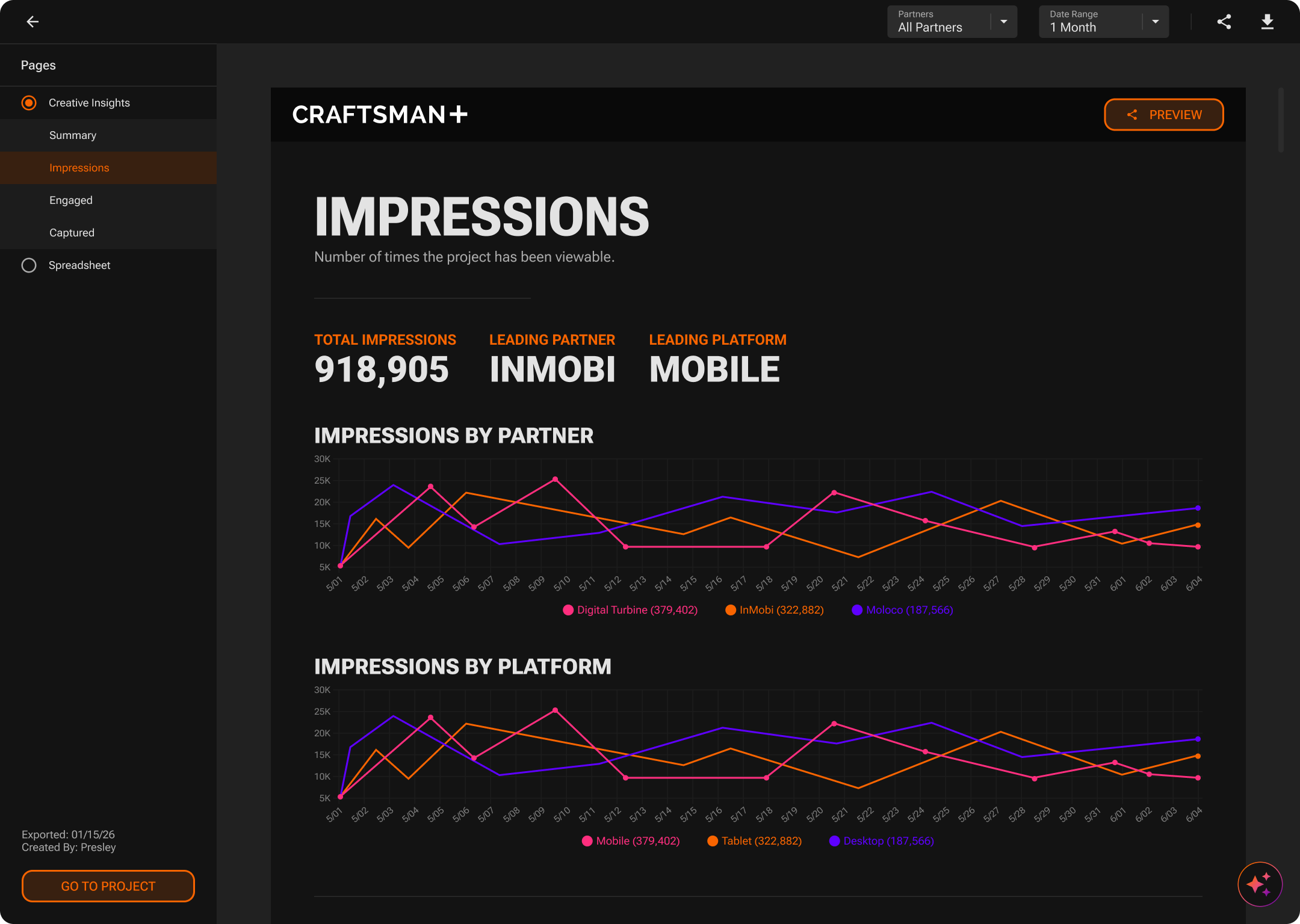
ANALYTICS
Impressions by partner and platform
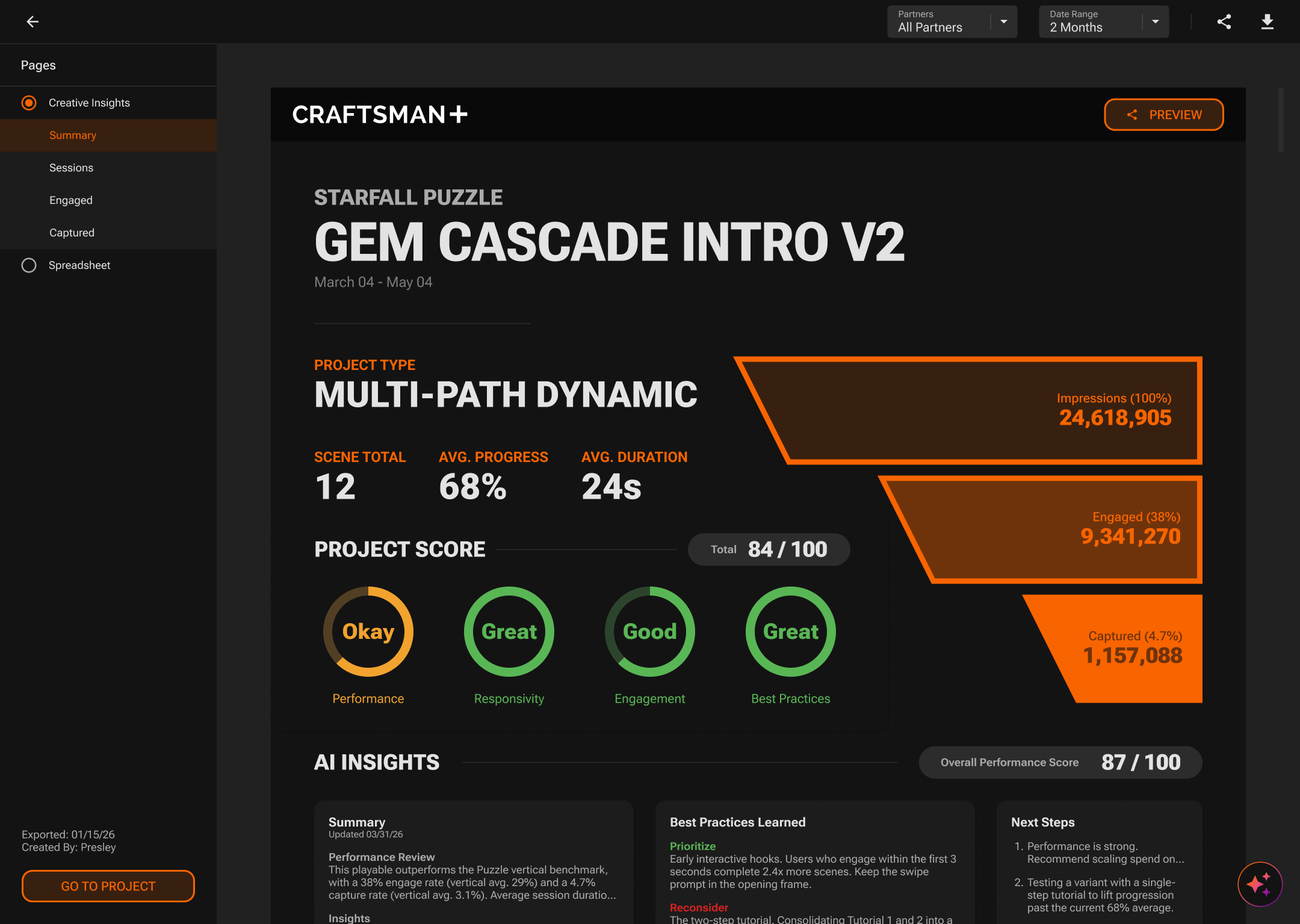
ANALYTICS
Project score with AI insights
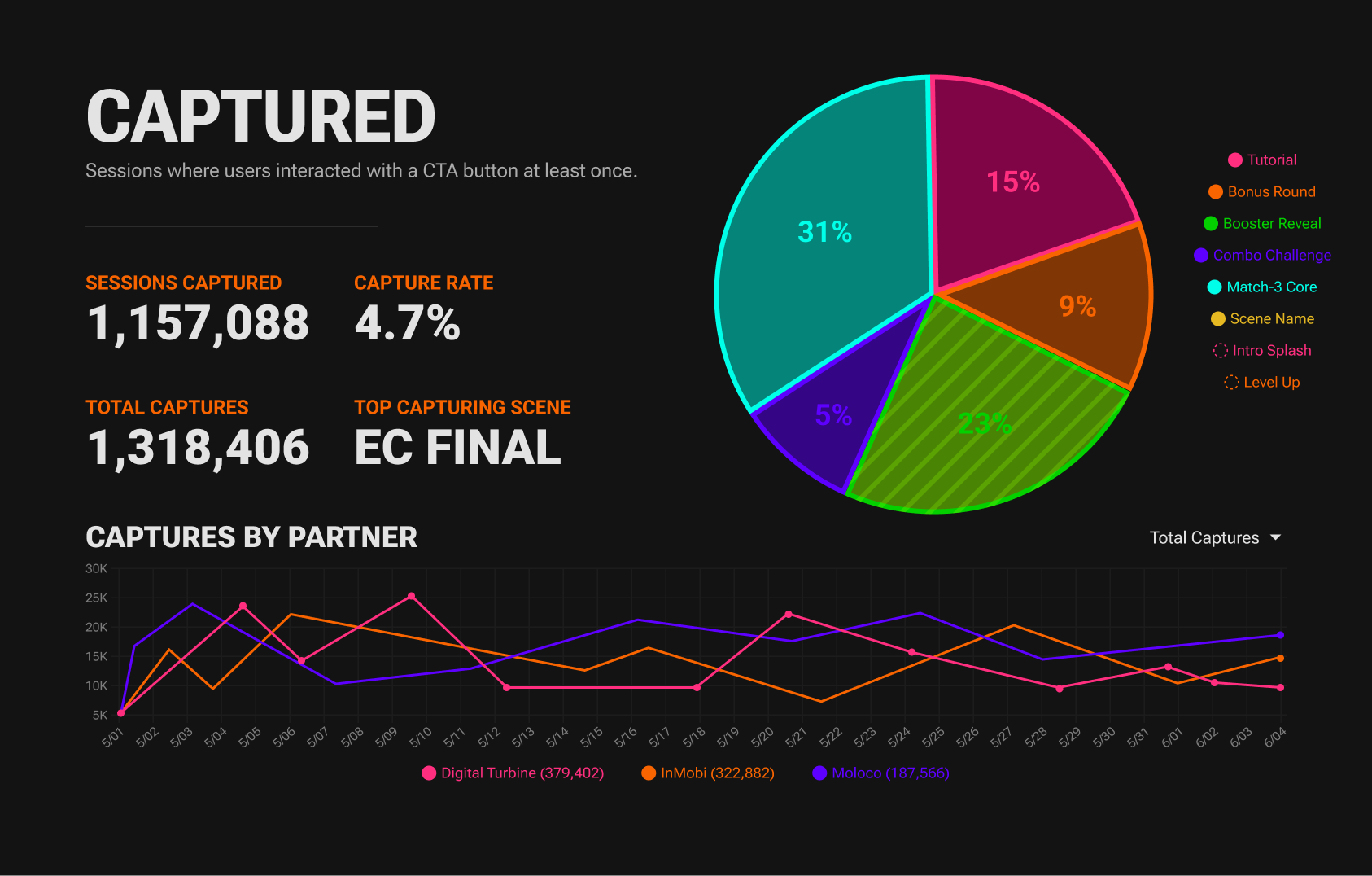
ANALYTICS
Captured sessions and capture rate
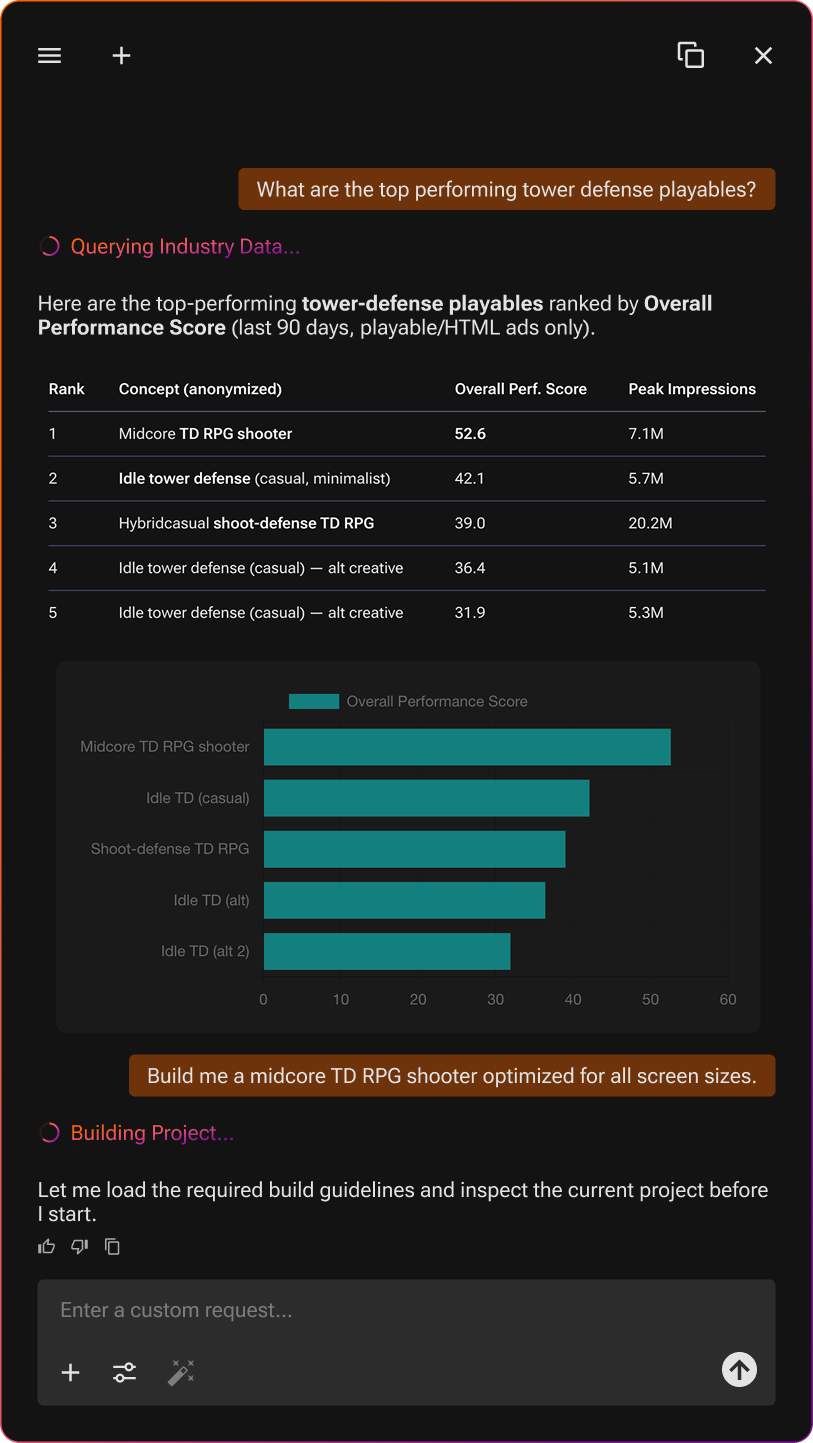
INTELLIGENCE
INTELLIGENCE answering with live performance data
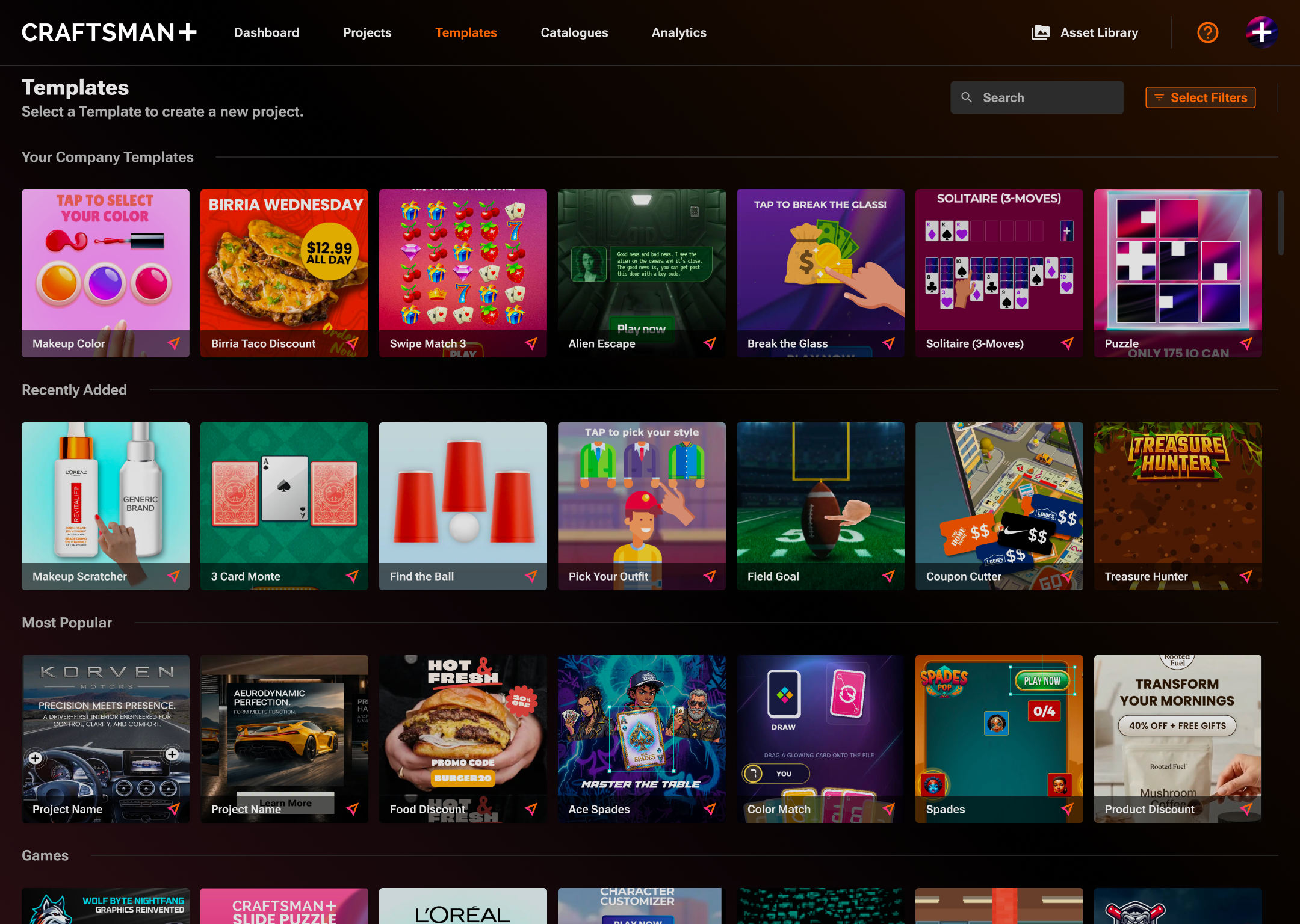
Platform
The template library at platform level
Perspective studio
Angle a shot in 3D for hero images and decks: pick a shot or upload one, set tilt, pan, roll, and zoom or start from a preset, choose the ground, and download a 2400px PNG. A rounded-corner edge with a hairline border is available as a toggle for opaque shots.
Perspective studio
Keep angles restrained; the presets mark the sane range. A panel past 30 degrees reads as decoration, not product.
Rules
- Use the shots as supplied. No recoloring, no redrawing UI, no restaging screens in other tools. If a surface needs to look different, request a new capture rather than editing one.
- Dark UI belongs on dark grounds. Place shots on CRAFTSMAN BLACK or the CRAFTSMAN+ MINIMAL GRADIENT; on light grounds, give them a hairline border so the frame reads.
- Crop whole regions, not chrome. Cropping into a panel is fine; slicing through controls or labels is not.
- Captions follow the voice and product names follow naming: the editor in the shots is PLAY Editor, the chat is INTELLIGENCE.
- Client work visible in shots is used with permission; do not swap in other client material without approval.
- Device frames for presenting these shots live in the team Dropbox; see Downloads.